Connect a Tenant
Copy as MarkdownConnecting a tenant grants Octiga read access to its Microsoft 365 configuration and starts the initial data sync.
Prerequisites
Section titled “Prerequisites”- An Octiga MSP account with permission to add tenants.
- Global Administrator credentials for the Microsoft 365 tenant you are connecting (used once, during consent).
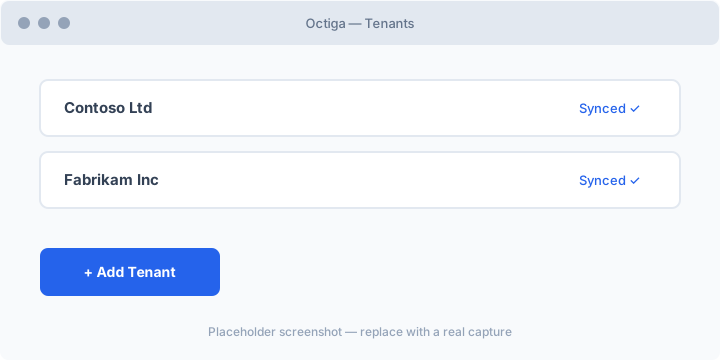
- In the Octiga portal, go to Tenants and choose Add Tenant.
- Sign in with a Global Administrator account for the client tenant.
- Review and accept the requested Microsoft Graph permissions.
- Octiga registers the tenant and begins the initial sync.
What the initial sync collects
Section titled “What the initial sync collects”The first sync gathers the data Octiga needs to evaluate baselines:
- Users, groups, and licence assignments
- Security policies and tenant settings
- Exchange Online configuration
- Audit events
Initial sync typically completes within a few minutes for small tenants, longer for large ones. Ongoing scheduled syncs keep the data current automatically.
Troubleshooting
Section titled “Troubleshooting”If consent fails, confirm the signing-in account is a Global Administrator and that the tenant does not block third-party app consent via admin consent policies.